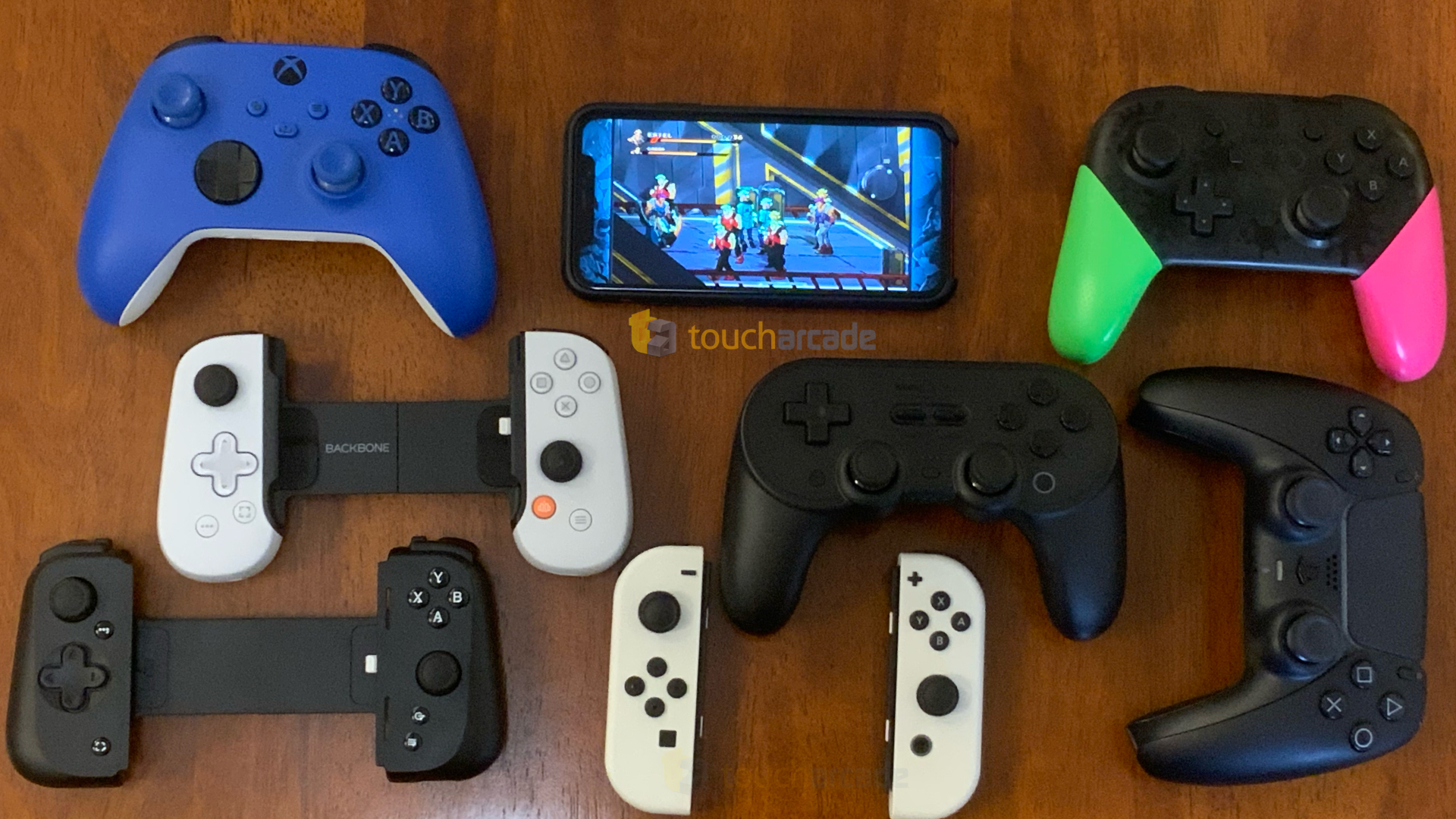
 Over the last few years, the Backbone One has been the controller I see recommended the most for iPhone. Jared has been praising it a lot as well when I ask about dedicated grip controllers. While I’ve been using my PS5 and Xbox controllers recently, iOS 16 made me revisit everything and also test out the new(ish) Backbone One PlayStation Edition to compare with the Razer Kishi V2.

While the Backbone One has been available for a while, I specifically wanted to cover the Backbone One PlayStation Edition to see if it actually does more than just visually try and fit in with the PS5 ecosystem, and how the controller feels compared to the Razer Kishi V2 and whether it is worth investing into at all versus just getting a clip and a PS5 or Xbox controller.
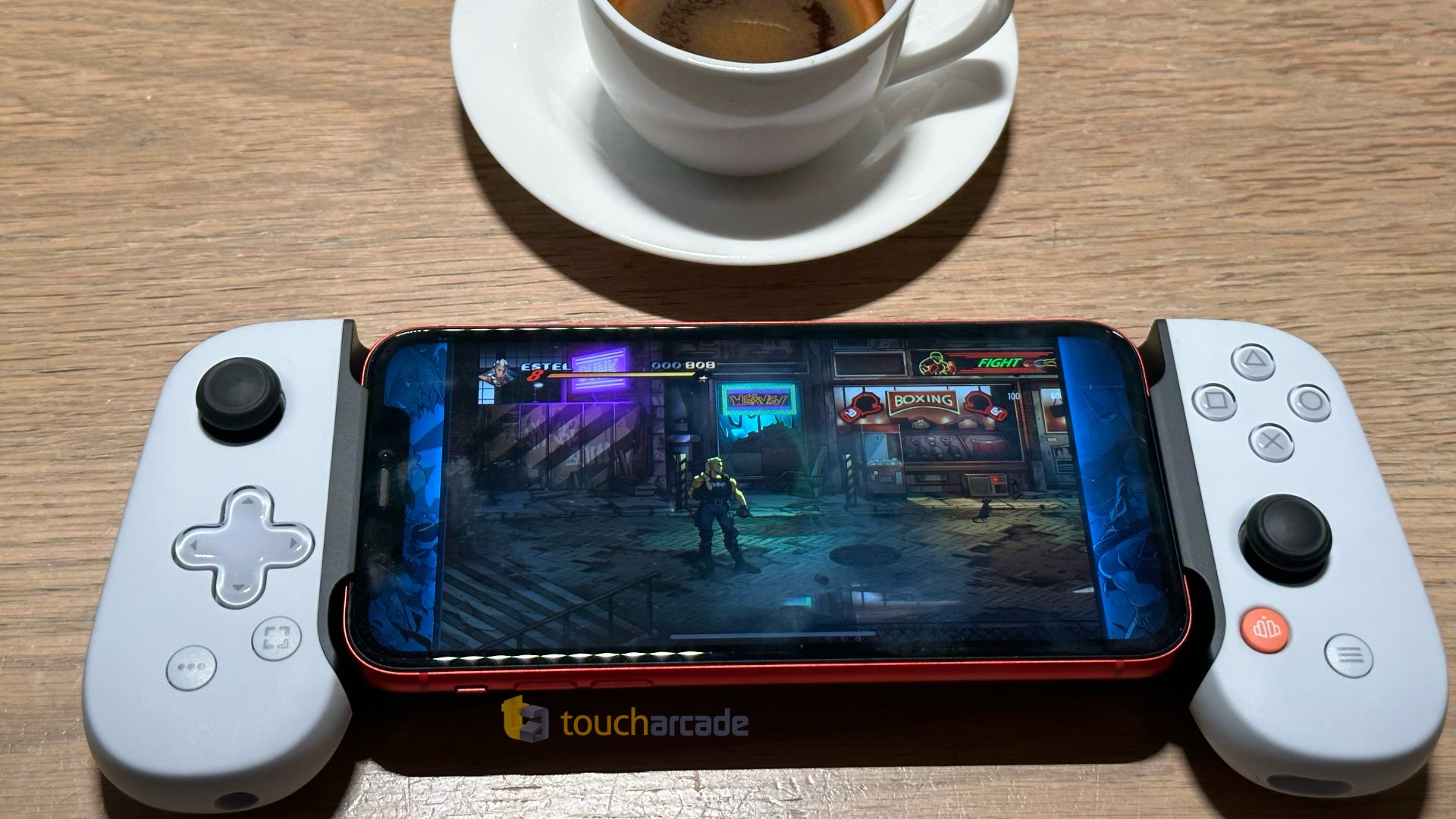
Right from the start, the Backbone One PlayStation Edition’s in-hand feel was impressive. The shape of it feels perfectly tuned for me, and it felt great right from the start. The one disappointment out of the box is that for a controller that is meant to match PlayStation hardware, the Backbone One PlayStation Edition has asymmetric stick placements when PlayStation controllers always have symmetric sticks.

When it comes to using the Backbone One PlayStation Edition with games, I love how it feels and how games play. I had no issues with the controller in any controller-supported games or Apple Arcade releases. It just works and feels as good as a good traditional console controller albeit one with smaller buttons and sticks.
The shoulder buttons and triggers also feel good (albeit not as nice as the Kishi V2’s buttons), but there’s one problem here. You don’t get the actual PS5 DualSense adaptive triggers here. This is another area that makes the Backbone One PlayStation Edition just feel like a reskinned Backbone One, rather than a controller designed to be the best at offering a modern PlayStation controller experience on the go.
One thing I’ve learned while using the Backbone One PlayStation Edition controller with my iPhone is that the Backbone app (Free) elevates the experience quite a bit, but it isn’t necessary. There is one big issue with this, the subscription service. When you get a Backbone One or a Backbone One PlayStation Edition controller, it includes 1 year of the Backbone+ membership which includes access to the app, and more.
I don’t think locking features included with the hardware behind a subscription is good, but this isn’t my decision to make. I also am not a fan of the capture button not taking screenshots at all unless you set up the app while the Razer Kishi V2 works fine without any app on the 5 iPhones I tested independently. Just keep in mind that you can’t use this wired on other devices, access the app, live-stream to Twitch, and more features detailed here unless you pay up.
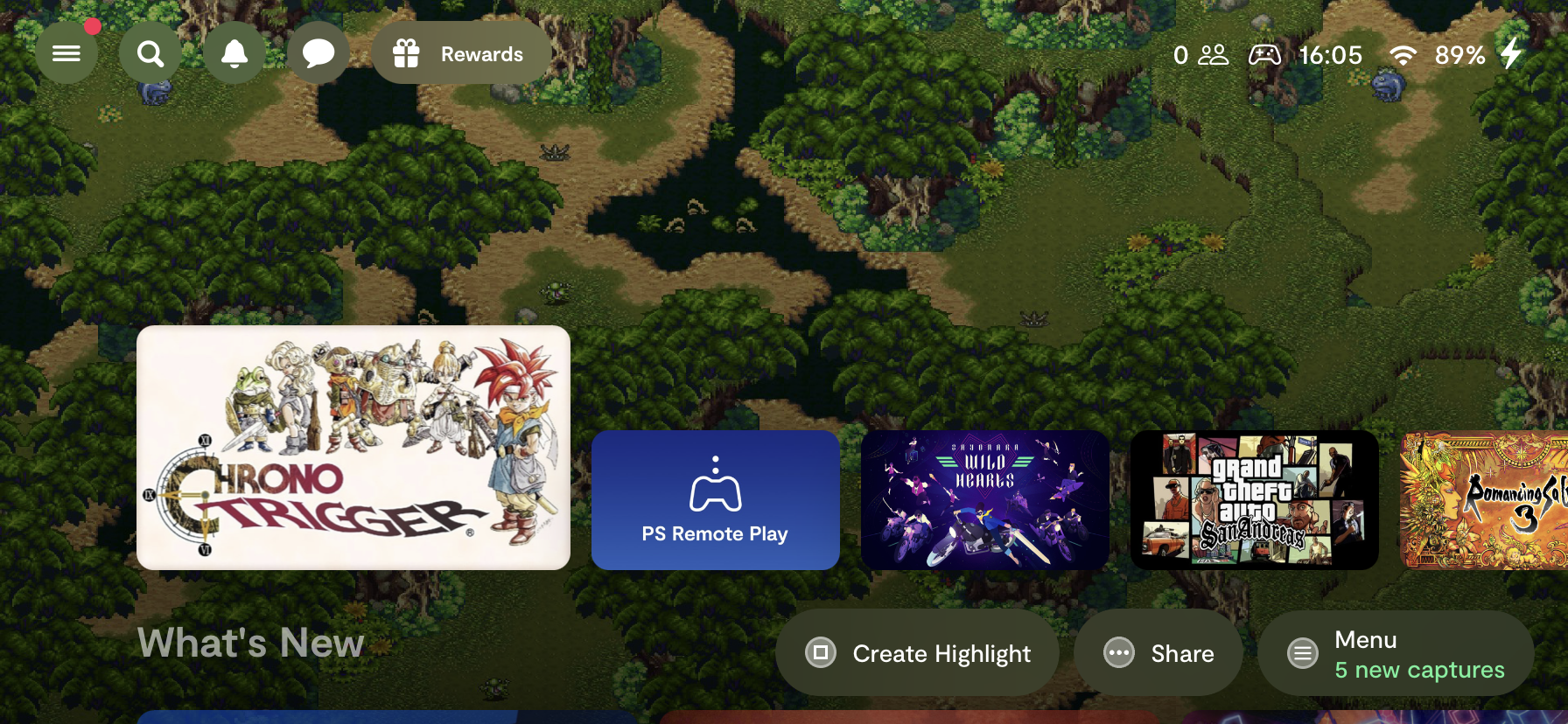
With that big caveat about the subscription out of the way, the app itself looks and feels great. The games have proper banners rather than app icons and it feels like it has been designed to be more than just a launcher. You have access to other features like parties and messaging.
As someone who prefers using the DualSense controller even when playing controller-supported games on PC and iPad, the Backbone One PlayStation Edition is close to offering the same experience, but I think a potential second version specifically designed for PlayStation again would be much better.
Right now, my biggest issues with the Backbone One PlayStation Edition are to do with the subscription and also the fact that you can’t use it with a case. If you don’t care about the latter and are content with using this as an MFi controller only and not get the whole Backbone experience, these issues will not affect you, and you will get a superb controller to use with your iPhone.
Amazon Link: Backbone One PlayStation Edition
Disclaimer: TouchArcade may earn a small commission from purchases made using the affiliate links above.

Apart from remote play though what is the advantage of a Playstation controller on iOS. True, there are plenty of games that play well with a controller but for the money you're better off buying a Switch (or a PSVita)
An Android version makes a little more sense as you can load it with emulators and actually play Playstation games with it.
What about the touchpad and it’s associated button. I scored a cheap ps5 controller for use with ps4 remote play, just for the sake of having the touchpad button to access the map in Elden Ring. The onscreen touchpad requires you to triple click perfectly in the exact same spot for it to register. It’s annoying as heck when you’re repeatedly referencing the map. With how hard it is to get a PS5 at retail, stores put the controllers on deep discount all the time. In the event that Sony ever chooses to stop enabling scalpers so the devs will have a reason to create a single original title for their dead console, I’ll probably get a PS5 to use the controller with. Then again, considering that it has been hacked now, chances are it’ll be running CFW and humming sea shanties like the PSP before any actual customers have one. Hopefully that makes all the ones in scalpers warehouses become worthless.
Apparently, the free trial is now a mere month before they start their exorbitant charge-fest. This change was done just after all the reviews were posted mentioning a year - just as how they changed from free to paid after getting the initial positive buzz about the launcher. Now, the launcher itself isn't particularly great, as it can only launch local games, but they also lock the ability to use the controller with non-iPhone devices behind the paywall.